Back
How to Check and Pay E-Challan Online in India 2026
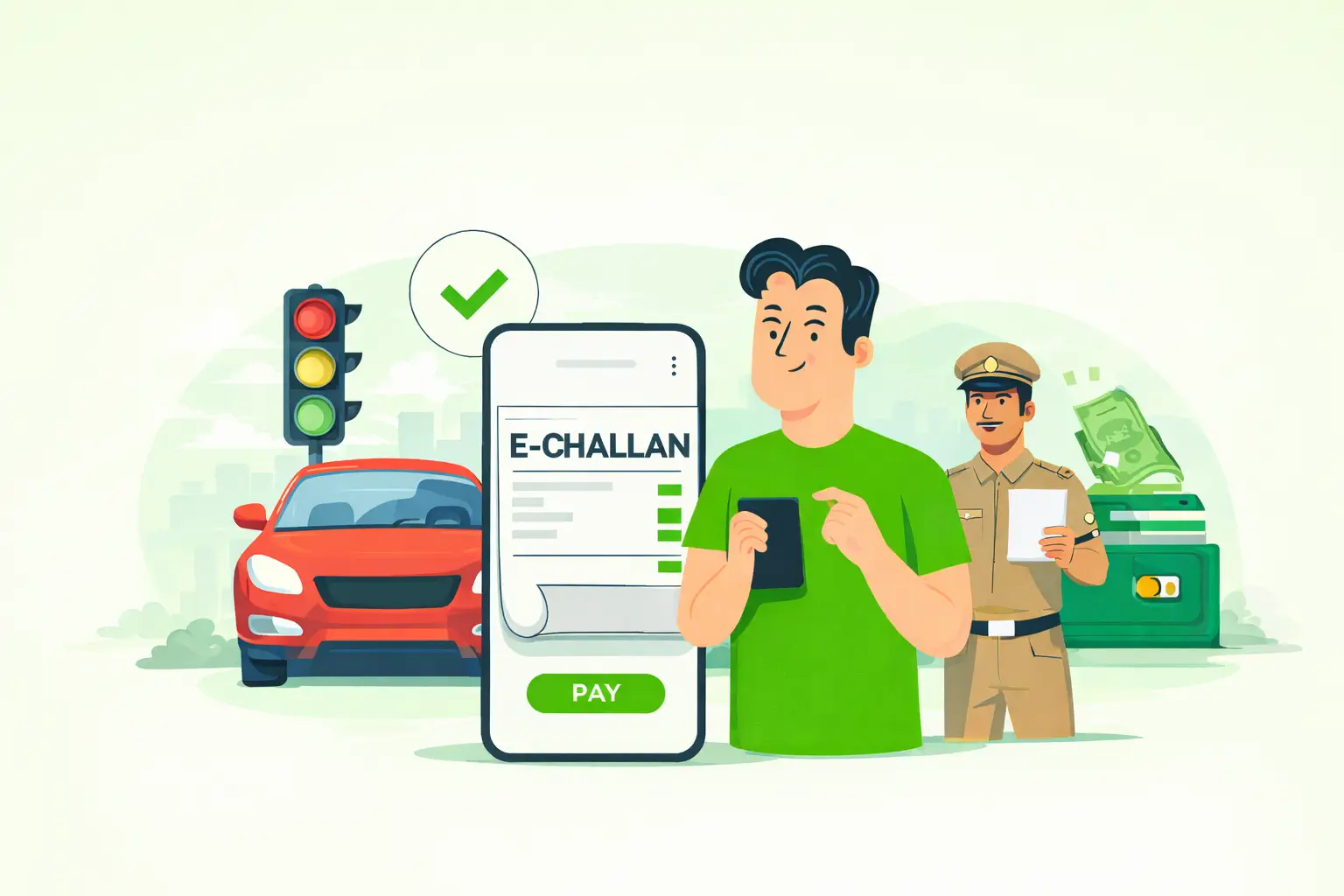
Step-by-step guide to check traffic challans and pay fines online legally in India
Introduction
With the rise of digital traffic monitoring in India, most traffic fines are now issued online. Cameras, sensors, and automated systems record violations and generate e-challans instantly. Many drivers only realise this when they suddenly receive a message or see a pending fine online.
If you are unsure how to check or pay your e-challan, this guide will help you. Here, you will learn the complete and correct way to check and clear traffic fines online in India in 2026.
What Is an E-Challan?
An e-challan is a digital traffic fine issued by the traffic police. Instead of giving a paper slip, the system records your violation electronically and links it to your vehicle or driving licence.
Common reasons for e-challan include:
Overspeeding
Signal jumping
Not wearing a helmet or a seat belt
Wrong-side driving
Illegal parking
Using a mobile phone while driving
Once issued, the challan is stored in the national transport database.
Why Checking E-Challan Regularly Is Important
Many vehicle owners forget to check their challan status. Over time, unpaid fines can create serious problems.
Regular checking helps you:
Avoid extra penalties
Prevent court notices
Complete RC and DL renewal smoothly
Maintain a clean legal record
A few minutes of checking can save you from future stress.
Also read→
Delhi Traffic Fines 2025: New Rules, Penalties, and How to Avoid
Official Platforms to Check E-Challan in India
Always use government-approved websites and apps for checking traffic fines.
1. Parivahan Portal
https://parivahan.gov.in
2. E-Challan Website
https://echallan.parivahan.gov.in
3. mParivahan App
Available on Android and iOS
Avoid third-party websites, as they may show incorrect data or misuse your details.
How to Check E-Challan Using Vehicle Number
This is the most common and easiest method.
Step 1: Open the Official Website
Visit echallan.parivahan.gov.in using any browser.
Step 2: Select “Check Challan Status”
Click on the option available on the homepage.
Step 3: Choose “Vehicle Number”
Enter your full registration number carefully.
Step 4: Enter CAPTCHA
Type the security code shown on the screen.
Step 5: View Your Challans
You will see all pending and paid challans linked to your vehicle.
How to Check E-Challan Using Driving Licence Number
If your vehicle number is not available, you can use your driving licence details.
Steps:
Open echallan.parivahan.gov.in
Select the “Driving Licence” option
Enter DL number and date of birth
Submit the form
Check the challan details
This method is useful if multiple vehicles are linked to your licence.
How to Pay E-Challan Online in India (2026)
After finding a pending challan, you can clear it online within minutes.
Online Payment Process
Select the challan you want to pay
Click on “Pay Now”
Choose UPI, debit card, credit card, or net banking
Complete the payment
Download and save the receipt
Payment status is usually updated instantly.
How to Pay E-Challan Using mParivahan App
You can also make payments through your smartphone.
Steps:
Install the mParivahan app
Register with your mobile number
Add vehicle or licence details
Open the challan section
Select the challan and pay
The app also stores your digital RC and DL for easy access.
What Happens If You Do Not Pay E-Challan?
Ignoring traffic fines can lead to legal trouble.
Possible consequences include:
Higher penalty
Court summons
Driving licence suspension
RC blocking
Vehicle seizure in extreme cases
Timely payment helps you avoid unnecessary complications.
Common Issues While Paying E-Challan
Payment Failed but Money Deducted
In most cases, the amount is refunded within 3 to 7 working days. If not, contact your bank.
Challan Not Visible Online
This may happen due to:
Server delay
Recently issued challan
System update pending
Wait for 24 to 48 hours and check again.
Wrong Challan Issued
If you receive a wrong challan, you can file a complaint on the portal or visit your local traffic office.
Can You Drive With a Pending E-Challan?
Legally, unpaid challans mean the violation remains unsettled. During checking, traffic police may:
Ask you to clear the dues immediately
Issue an additional fine
Take legal action in repeat cases
To stay safe, always clear your pending challans.
Simple Tips to Avoid E-Challan
Follow speed limits
Wear a helmet and a seat belt
Obey traffic signals
Avoid mobile phone use
Park in authorised areas
Keep documents updated
Safe driving protects both your wallet and your life.
How to Check Your E-Challan Using Parksmart
With the Parksmart app, checking and paying your e-challan is quick and hassle-free. Just follow these steps:
1. Download or Open the Parksmart App
Ensure you have the latest version of the Parksmart app installed from the Google Play Store or the Apple App Store.
2. Select “Pay-Challan”
Tap on the Pay-Challan option to proceed with checking your challan status.
3. Enter Your Vehicle Number
Input your registered vehicle number correctly.
4. Get Instant Results!
Your pending challans, if any, will be displayed on the screen with complete details. You can also pay them securely through the app.
Also read→
How to Check Pending Traffic Challans Online Without Any RTO Visit
Conclusion
Checking and paying e-challan online in India is now simple and reliable. By using official platforms like Parivahan and mParivahan, you can clear your traffic fines quickly and stay legally compliant.
Make it a habit to check your challan status regularly. It helps you avoid penalties, legal notices, and unnecessary stress.
For more updates on traffic rules, driving licences, vehicle services, and smart parking solutions, stay connected with Parksmart and drive with confidence.
Parksmart provides reliable boom barriers and smart parking solutions for societies, offices, and commercial spaces.
Contact Parksmart today to upgrade your parking system with secure, automated access control.