Back
DL Slot Booking Tips to Avoid Rejection and Save Time
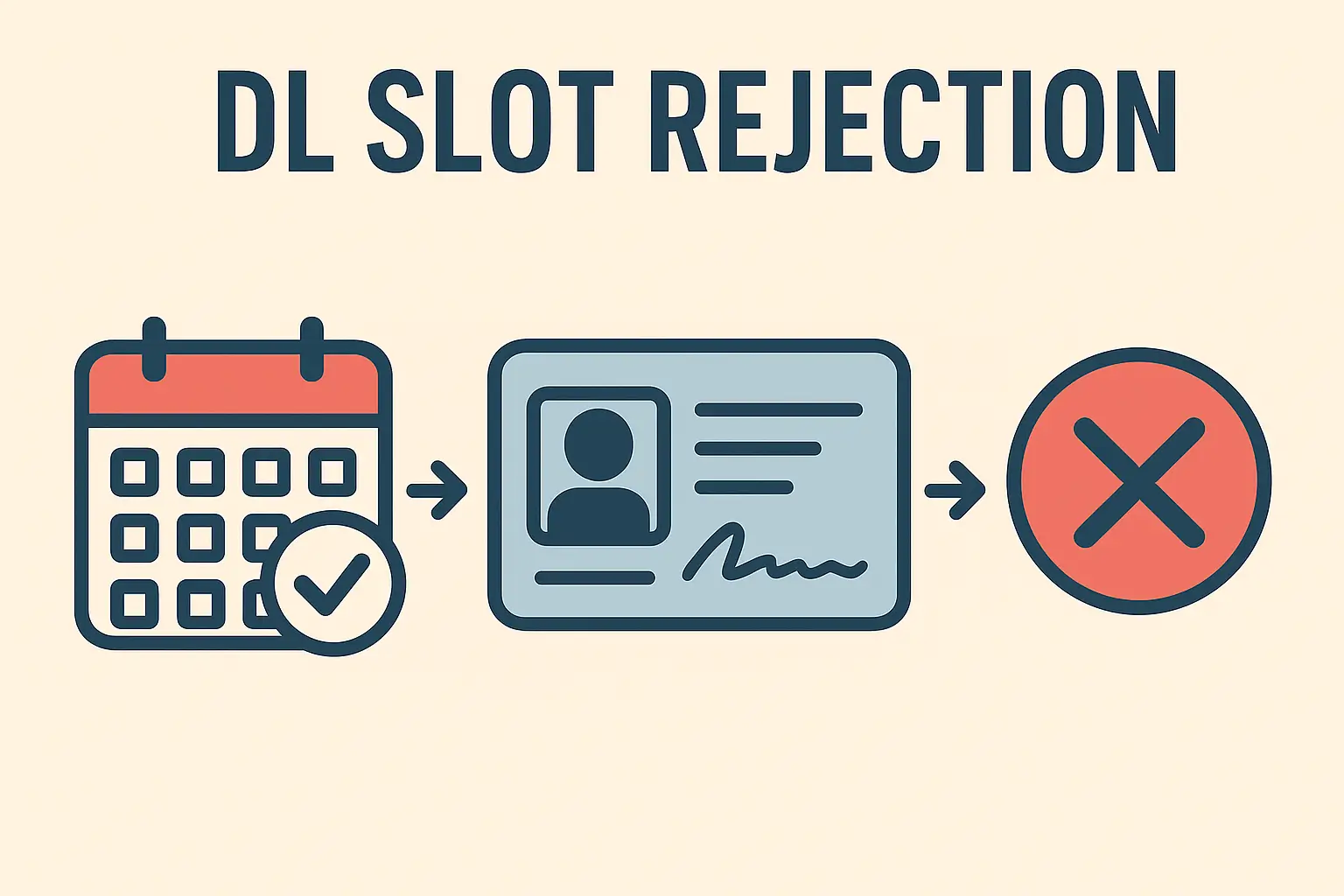
Follow accurate document uploads, correct RTO selection, and careful application checks to succeed
Booking a Driving Licence (DL) slot can seem straightforward on the surface, but even a minor mistake is enough to have your appointment rejected or delayed. From selecting the wrong service to missing documents at the RTO, many applicants lose time because of avoidable errors.
If you are planning to book a Learner’s Licence test, a permanent DL driving test, or any correction-related appointment, this guide will help you do it the right way — without stress or repeat visits.
Why Do DL Slots Get Rejected?
Most rejections don’t happen because of major issues. They happen because of small, technical mistakes that are easy to overlook. Common causes include:
Choosing the wrong service type on the Sarathi portal
Entering incorrect personal or address details
Booking a slot without completing the application properly
Carrying incomplete or mismatched documents
Selecting an RTO not linked to your address proof
Missing the appointment time window
Understanding these reasons is the first step to avoiding them.
Choose the Correct Service Type Carefully
Before booking any slot, you must be sure what you are applying for:
Learner’s Licence (LL)
Permanent Driving Licence (DL)
DL Renewal
Address / Name Correction
International Driving Permit
Many people accidentally book a learner’s slot instead of a permanent DL slot (or the other way around). This simple mistake is one of the top reasons for rejection at the RTO counter.
Always double-check the selected service on the Sarathi portal before proceeding to payment.
Make Sure Your Documents Match Each Other
One of the most common causes of rejection is an information mismatch between your documents and the application form.
Check these details carefully on all documents:
Full name (spelling should be identical)
Date of birth
Address (same location, same format)
PIN code and state
If your Aadhaar card shows an address different from the one you enter in the application, the RTO may mark your request as inconsistent, leading to rejection.
If your address has changed recently, update your Aadhaar first and then book the DL slot.
Upload Clear, Correct Documents Only
When uploading documents online, many people use blurred or cropped photos taken with a mobile camera. This often leads to rejection even before the slot date.
Make sure that:
The document is fully visible from all sides
Text is clear and readable
No glare, shadows, or finger marks cover details
File format and size meet portal limits
A digitally scanned PDF always works better than a camera image.
Also read→
How to Apply for a Driving Licence Online in India 2025 Guide
Select the Correct and Nearest RTO
You must select the RTO that comes under your residential address. Selecting a different RTO because it has earlier slots is a mistake.
Your address proof and RTO location must match.
If the RTO region does not match your documents, your appointment may be cancelled on the same day.
If you recently moved, update your address proof first.
Book a Realistic Slot Date and Time
Many people choose very early morning or late slots without considering travel time or queues at the RTO. If you arrive late, your slot may not be accepted.
Choose a slot when you can arrive at least 30 minutes before the reporting time.
Being punctual plays a big role in smooth processing.
Double-Check All Details Before Final Submit
Once you submit the application and pay the fee, editing details is difficult or sometimes impossible.
Before hitting “Submit”:
Re-check your full name
Confirm mobile number and email ID
Verify address and PIN code.
Make sure the correct license type is selected
Confirm RTO name
Take a screenshot of the final preview page for your own safety.
Carry These at the RTO Without Fail
On appointment day, carry both original documents and photocopies:
Aadhaar Card / Passport / Voter ID
Address proof (recent and valid)
Application form printout
Payment receipt
Appointment slip
Passport-size photographs (if needed)
Even if documents were uploaded online, physical verification is still routine at most RTOs.
For Driving Test Applicants: Avoid These Mistakes
If you’re booking for a permanent driving licence test:
Make sure your Learner’s Licence is still valid
Carry your own vehicle and RC
Bring valid insurance and (if required) PUC
Wear a seatbelt/helmet.
Follow lanes and signals strictly
Also read→
New Driving Licence Rules in India 2024–2025: What Changed?
Final Thoughts
DL slot booking is not difficult, but it demands accuracy and attention to detail. Most rejections do not happen because someone is unqualified — they happen because someone was in a hurry.
Take the time to cross-check every detail and respect the process. One careful application can save you weeks of delay.