Back
E-Challan for Someone Else Driving Your Vehicle: What to Do
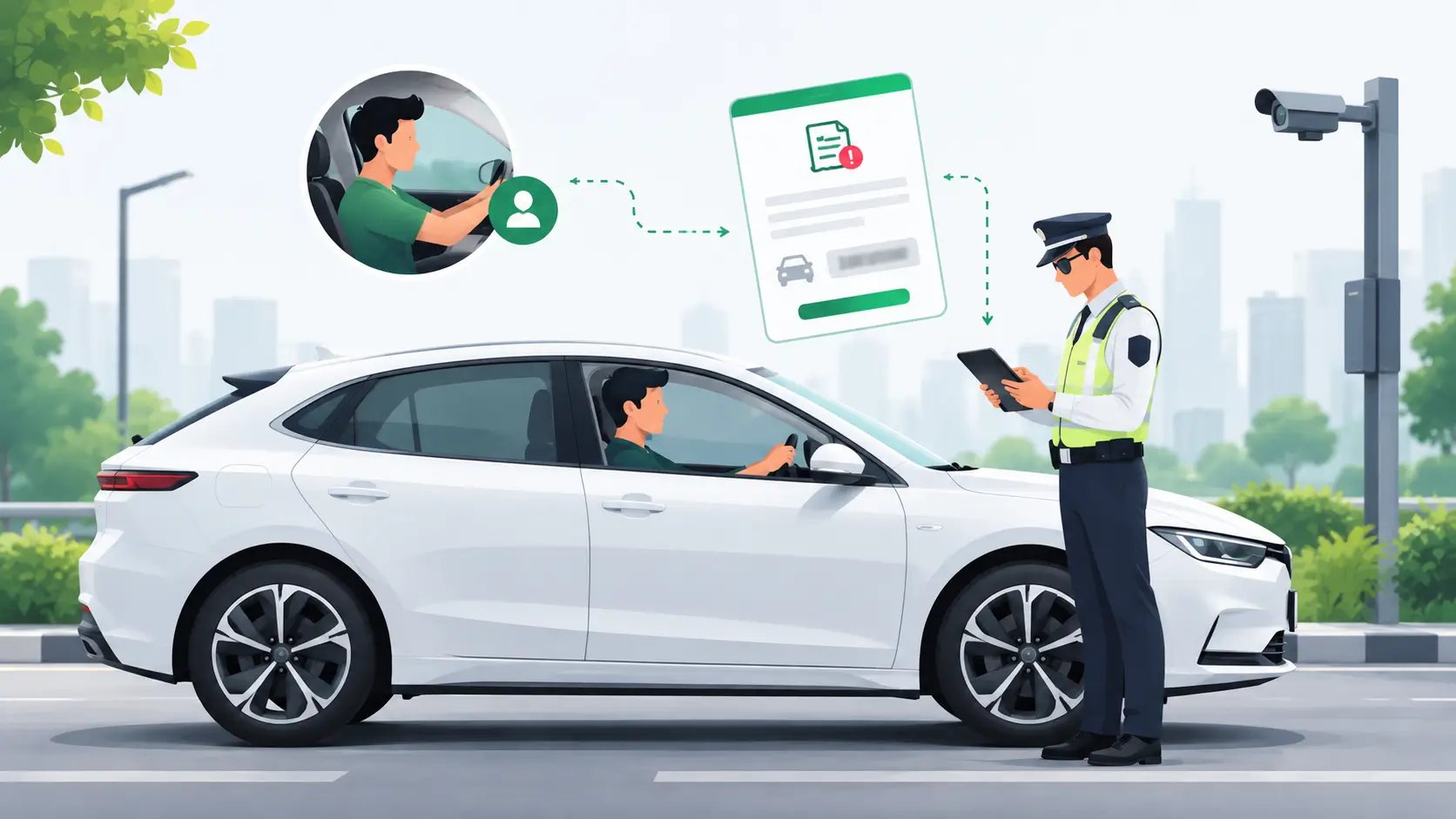
Learn what to check when an e-challan is issued for your vehicle while another person was driving it.
What Happens If You Get an E-Challan for a Vehicle You Never Drove?
Getting an e-challan for your vehicle can be confusing, especially if you weren't driving at the time of the violation.
This can happen when a family member, employee, friend, or another authorised person was using the vehicle. In some cases, the vehicle owner may also believe that the challan details are incorrect.
An e-challan is linked to the vehicle or driver details recorded by the enforcement system. If you were not driving the vehicle, you should first check the challan details instead of ignoring it.
Can an E-Challan Be Issued When the Owner Was Not Driving?
Yes.
A vehicle can be involved in a traffic violation even when the registered owner was not the person driving it.
Electronic enforcement systems can record traffic violations and generate challans. Government rules also provide for electronic monitoring and enforcement in applicable cases.
For example, a car may be driven by:
A family member
An employee
A driver
A friend
Another person who was allowed to use the vehicle
In such a case, the vehicle owner may receive information about the challan even though they were not behind the wheel.
What Should You Check First?
Don't assume every challan against your vehicle is wrong.
First, check the challan details through the official eChallan system.
You can check details such as:
Challan number
Vehicle number
Date of the offence
Location
Offence details
Challan amount
Vehicle owner details
The official eChallan system provides an option to check pending challans using the challan number, vehicle number or driving licence details.
This first check can help you understand whether the challan relates to your vehicle and when the alleged violation happened.
What If Someone Else Was Driving Your Car?
If another person was driving the vehicle at the time of the offence, check the details of that person and the circumstances first.
For example, suppose a company car receives an e-challan on a Monday afternoon. The owner or company representative was not driving it, but an employee was using the car.
In such a situation, the owner should not simply assume that the challan must be cancelled.
The available records and the applicable process should be checked. Under the electronic enforcement rules, when the owner was not driving at the time of the offence, the owner may claim innocence before the specified authority by providing appropriate proof that they were not the driver or that another person was driving.
What If the Vehicle Number Looks Wrong?
Sometimes the issue may not be about who was driving.
The challan details themselves should be checked carefully.
Look at:
Registration number
Date and time
Location
Vehicle details
Offence recorded
Photographic evidence, where available
Electronic enforcement rules provide for records such as photographic evidence, vehicle number, date, time and place of the offence for applicable electronically generated challans.
If the information does not match your vehicle or the circumstances, use the official grievance process rather than paying a challan that you believe is incorrect.
How to Raise a Grievance for an Incorrect E-Challan
If you believe the challan is incorrect, the official eChallan system provides a grievance facility.
The grievance form asks for information such as:
Challan number
Vehicle or DL number
Challan state
Challan location
Type of challan issue
Description of the issue
Supporting image, where applicable
The exact grievance route can depend on the state or authority that issued the challan. The official portal currently directs users to the relevant grievance channel for different jurisdictions.
Keep any useful proof related to the case. Depending on the situation, this may include vehicle records, documents showing who was using the vehicle, or other relevant evidence.
Should You Ignore the Challan?
No.
If you believe an e-challan is incorrect, ignoring it is not the same as disputing it.
First verify the details. If there is a genuine issue, use the applicable official grievance or legal process.
The Ministry of Road Transport and Highways' eChallan procedure explains that challan information is recorded in the relevant vehicle or driver databases and that pending cases can affect certain vehicle and licence-related transactions.
So, if there is a problem with a challan, it is better to check and address it instead of leaving it unresolved.
What If You Were Not Driving the Vehicle?
If you were not driving when the offence happened, the important thing is to establish what actually happened.
Follow these basic steps:
Check the challan details
Verify the vehicle number, date, time, location and offence.Find out who was driving
If another person had the vehicle, confirm the details.Check the available evidence
Look at the information or evidence provided with the challan.Keep supporting documents
Keep documents that can help establish who was using the vehicle.Use the official grievance process if required
Submit the issue through the appropriate official channel.Follow the instructions given by the concerned authority
Some cases may require further verification or proceedings.
Can an E-Challan Be Automatically Cancelled?
There is no general rule that an e-challan is automatically cancelled just because the registered owner says they were not driving.
The case needs to be checked based on the available records and applicable procedure.
If another person was driving, the owner may need to provide appropriate proof and follow the process available for that challan.
Final Takeaway
Getting an e-challan does not always mean that the registered owner was the person driving the vehicle.
A vehicle may be used by another person, and electronic enforcement systems can record violations against the vehicle. If you receive a challan for a time when you were not driving, first verify the challan details.
Check the vehicle number, date, location and offence. If the details are incorrect or you have evidence that you were not the driver, use the official grievance process and provide the required proof.
Do not ignore the challan simply because you were not driving the vehicle.
Also read→
Check and Pay Car Challan Online in India Fast Easily
FAQs
Can I get an e-challan if someone else was driving my car?
Yes. A challan can be associated with the vehicle even when another person was driving it. The registered owner should check the details and follow the applicable process if they were not the driver.
What should I do if an e-challan is wrong?
Check the challan details first. If you believe there is an error, use the official eChallan grievance process and provide the relevant information and supporting proof.
Can I claim that I was not driving the vehicle?
Applicable electronic enforcement rules allow a vehicle owner who was not driving at the time of the offence to claim innocence before the specified authority by providing appropriate proof.
Where can I check my e-challan?
You can check your challan details through the official eChallan system using the available vehicle, challan or driving licence details.
What Happens If You Get an E-Challan for a Vehicle You Never Drove?
Getting an e-challan for your vehicle can be confusing, especially if you weren't driving at the time of the violation.
This can happen when a family member, employee, friend, or another authorised person was using the vehicle. In some cases, the vehicle owner may also believe that the challan details are incorrect.
An e-challan is linked to the vehicle or driver details recorded by the enforcement system. If you were not driving the vehicle, you should first check the challan details instead of ignoring it.
Can an E-Challan Be Issued When the Owner Was Not Driving?
Yes.
A vehicle can be involved in a traffic violation even when the registered owner was not the person driving it.
Electronic enforcement systems can record traffic violations and generate challans. Government rules also provide for electronic monitoring and enforcement in applicable cases.
For example, a car may be driven by:
A family member
An employee
A driver
A friend
Another person who was allowed to use the vehicle
In such a case, the vehicle owner may receive information about the challan even though they were not behind the wheel.
What Should You Check First?
Don't assume every challan against your vehicle is wrong.
First, check the challan details through the official eChallan system.
You can check details such as:
Challan number
Vehicle number
Date of the offence
Location
Offence details
Challan amount
Vehicle owner details
The official eChallan system provides an option to check pending challans using the challan number, vehicle number or driving licence details.
This first check can help you understand whether the challan relates to your vehicle and when the alleged violation happened.
What If Someone Else Was Driving Your Car?
If another person was driving the vehicle at the time of the offence, check the details of that person and the circumstances first.
For example, suppose a company car receives an e-challan on a Monday afternoon. The owner or company representative was not driving it, but an employee was using the car.
In such a situation, the owner should not simply assume that the challan must be cancelled.
The available records and the applicable process should be checked. Under the electronic enforcement rules, when the owner was not driving at the time of the offence, the owner may claim innocence before the specified authority by providing appropriate proof that they were not the driver or that another person was driving.
What If the Vehicle Number Looks Wrong?
Sometimes the issue may not be about who was driving.
The challan details themselves should be checked carefully.
Look at:
Registration number
Date and time
Location
Vehicle details
Offence recorded
Photographic evidence, where available
Electronic enforcement rules provide for records such as photographic evidence, vehicle number, date, time and place of the offence for applicable electronically generated challans.
If the information does not match your vehicle or the circumstances, use the official grievance process rather than paying a challan that you believe is incorrect.
How to Raise a Grievance for an Incorrect E-Challan
If you believe the challan is incorrect, the official eChallan system provides a grievance facility.
The grievance form asks for information such as:
Challan number
Vehicle or DL number
Challan state
Challan location
Type of challan issue
Description of the issue
Supporting image, where applicable
The exact grievance route can depend on the state or authority that issued the challan. The official portal currently directs users to the relevant grievance channel for different jurisdictions.
Keep any useful proof related to the case. Depending on the situation, this may include vehicle records, documents showing who was using the vehicle, or other relevant evidence.
Should You Ignore the Challan?
No.
If you believe an e-challan is incorrect, ignoring it is not the same as disputing it.
First verify the details. If there is a genuine issue, use the applicable official grievance or legal process.
The Ministry of Road Transport and Highways' eChallan procedure explains that challan information is recorded in the relevant vehicle or driver databases and that pending cases can affect certain vehicle and licence-related transactions.
So, if there is a problem with a challan, it is better to check and address it instead of leaving it unresolved.
What If You Were Not Driving the Vehicle?
If you were not driving when the offence happened, the important thing is to establish what actually happened.
Follow these basic steps:
Check the challan details
Verify the vehicle number, date, time, location and offence.Find out who was driving
If another person had the vehicle, confirm the details.Check the available evidence
Look at the information or evidence provided with the challan.Keep supporting documents
Keep documents that can help establish who was using the vehicle.Use the official grievance process if required
Submit the issue through the appropriate official channel.Follow the instructions given by the concerned authority
Some cases may require further verification or proceedings.
Can an E-Challan Be Automatically Cancelled?
There is no general rule that an e-challan is automatically cancelled just because the registered owner says they were not driving.
The case needs to be checked based on the available records and applicable procedure.
If another person was driving, the owner may need to provide appropriate proof and follow the process available for that challan.
Final Takeaway
Getting an e-challan does not always mean that the registered owner was the person driving the vehicle.
A vehicle may be used by another person, and electronic enforcement systems can record violations against the vehicle. If you receive a challan for a time when you were not driving, first verify the challan details.
Check the vehicle number, date, location and offence. If the details are incorrect or you have evidence that you were not the driver, use the official grievance process and provide the required proof.
Do not ignore the challan simply because you were not driving the vehicle.
Also read→
Check and Pay Car Challan Online in India Fast Easily
FAQs
Can I get an e-challan if someone else was driving my car?
Yes. A challan can be associated with the vehicle even when another person was driving it. The registered owner should check the details and follow the applicable process if they were not the driver.
What should I do if an e-challan is wrong?
Check the challan details first. If you believe there is an error, use the official eChallan grievance process and provide the relevant information and supporting proof.
Can I claim that I was not driving the vehicle?
Applicable electronic enforcement rules allow a vehicle owner who was not driving at the time of the offence to claim innocence before the specified authority by providing appropriate proof.
Where can I check my e-challan?
You can check your challan details through the official eChallan system using the available vehicle, challan or driving licence details.

Automated Gate Access & Parking Revenue Optimization
Eliminate manual errors and stop revenue leakage with automated RFID boom barriers, live occupancy tracking, and multi-mode POS payment processing for commercial properties.
144,200
+
Cars Managed by ParkSmart
110,100
+
Transactions Processed Daily
2,900
+
Parking Locations Integrated
299,100
+
Satisified Users
Increase Efficiency, Maximize Profit
Eliminate manual errors and stop revenue leakage with automated RFID boom barriers, live occupancy tracking, and multi-mode POS payment processing for commercial properties.
144,200
+
Cars Managed by ParkSmart
110,100
+
Transactions Processed Daily
2,900
+
Parking Locations Integrated
299,100
+
Satisified Users
Automated Gate Access & Parking Revenue Optimization
Eliminate manual errors and stop revenue leakage with automated RFID boom barriers, live occupancy tracking, and multi-mode POS payment processing for commercial properties.
144,200
+
Cars Managed by ParkSmart
110,100
+
Transactions Processed Daily
2,900
+
Parking Locations Integrated
299,100
+
Satisified Users
