Back
FASTag Linked to Wrong Vehicle? Fix Errors Before Paying Extra
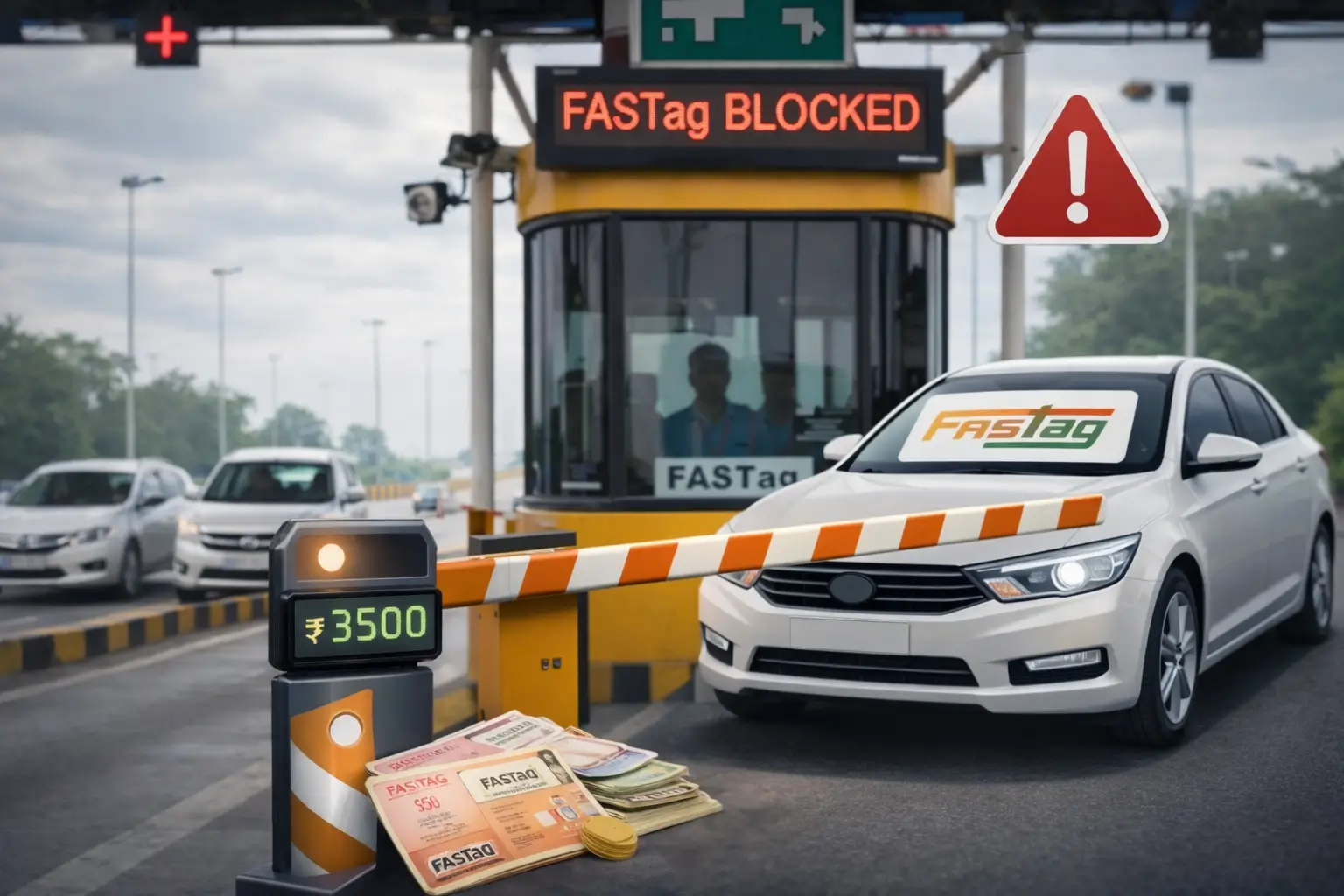
Learn causes, early signs, and step-by-step solutions to correct FASTag vehicle mapping issues
FASTag problems typically occur at the worst possible moment—right at a toll plaza. One common but often misunderstood issue is when a FASTag is linked to the wrong vehicle number. This mistake can result in toll deductions on another vehicle, sudden blacklisting, penalty charges, or denial of access at FASTag lanes.
Many vehicle owners do not realise this problem until money starts getting deducted incorrectly. Understanding why this happens and how to fix it quickly can save you both money and stress.
How FASTag Gets Linked to the Wrong Vehicle
FASTag linkage errors typically occur due to human or system errors during the issuance or transfer process. Some of the most common reasons include:
FASTag not updated after vehicle resale
The dealer-issued FASTag was incorrectly mapped during delivery
FASTag was transferred physically but not updated digitally
Multiple FASTags issued against the same vehicle
Incorrect vehicle number entered during FASTag activation
Even if the tag is physically attached to your car, the backend database might still show a different registration number.
What Happens When FASTag Is Linked Incorrectly
When FASTag data does not match your vehicle details, the system flags it as a risk. This can lead to:
Toll amount deducted from the wrong FASTag wallet
FASTag is being blacklisted temporarily
Toll gates are refusing entry
Double charges or penalty toll collection
Issues during FASTag recharge or AutoPay
In some cases, your FASTag may appear active in the app but still fail at toll plazas due to backend mismatch.
Early Signs That Indicate a Wrong FASTag Link
Most people notice the issue only after facing toll trouble. Watch out for these early warning signs:
Toll deductions showing locations you never visited
The FASTag app is displaying a different vehicle number
FASTag showing “inactive” or “invalid vehicle” at the toll
Repeated low-balance alerts despite sufficient funds
Toll operators are asking for manual payment
If you notice any of these, act immediately.
How to Check Which Vehicle Your FASTag Is Linked To
You can verify FASTag mapping using these methods:
Log in to your FASTag issuer’s app or portal
Check vehicle details under the FASTag profile
Use customer care chat or helpline
Verify via NHAI FASTag customer support
Cross-check the registration number carefully. Even a single incorrect digit can cause repeated toll failures.
How to Fix FASTag Linked to the Wrong Vehicle
Step 1: Stop Using the FASTag Temporarily
Until the issue is resolved, avoid toll lanes where possible. Continued usage can worsen the problem and lead to blacklisting.
Step 2: Contact FASTag Issuer Support
Raise a request with the bank or issuer that issued your FASTag. Clearly state that the FASTag is linked to the wrong vehicle number.
Step 3: Submit Correct Documents
You will usually need:
Vehicle RC copy
FASTag ID or tag serial number
Identity proof (if required)
Ensure documents match the correct registration number.
Step 4: Request Backend Vehicle Mapping Correction
Ask for vehicle remapping, not tag replacement. Many issues are resolved digitally without issuing a new FASTag.
Step 5: Confirm Update in Writing
Once corrected, ask for confirmation through email or app notification. Do not rely only on verbal assurance.
What If the FASTag Belongs to a Previous Owner?
This is common in used vehicles. If the previous owner did not close or transfer the FASTag:
Ask the issuer to close the old FASTag
Apply for a new FASTag under your name
Ensure “One Vehicle, One FASTag” compliance
Using someone else’s FASTag, even unintentionally, can cause legal and financial complications.
Can You Get a Refund for Wrong Deductions?
Yes, but only if you act early.
If toll deductions happened due to wrong linkage:
Raise a dispute through your FASTag app
Provide proof of non-travel
Mention incorrect vehicle mapping
Refund timelines vary, but most valid cases are resolved within a few working days.
How to Prevent This Issue in the Future
Never reuse a FASTag from an old vehicle
Always verify the vehicle number after FASTag issuance
Avoid installing FASTag before checking backend details
Close FASTag immediately after selling a vehicle
Use only one FASTag per vehicle
If you enable AutoPay, confirm that the FASTag details are correct before activation.
Also read→
FASTag Transfer Rules You Must Follow When Selling Your Vehicle
Final Thoughts
A FASTag linked to the wrong vehicle is not just a technical issue—it can cost you money, time, and unnecessary penalties. The good news is that it is completely fixable if addressed early.
Always treat FASTag like a digital identity for your vehicle. If the identity is wrong, everything from toll payments to compliance gets affected.
For clearer, practical guides on FASTag issues, parking rules, RTO processes, and vehicle compliance, Parksmart keeps you informed and one step ahead.