Back
How to Check Vehicle Owner Details Online by Number Plate India
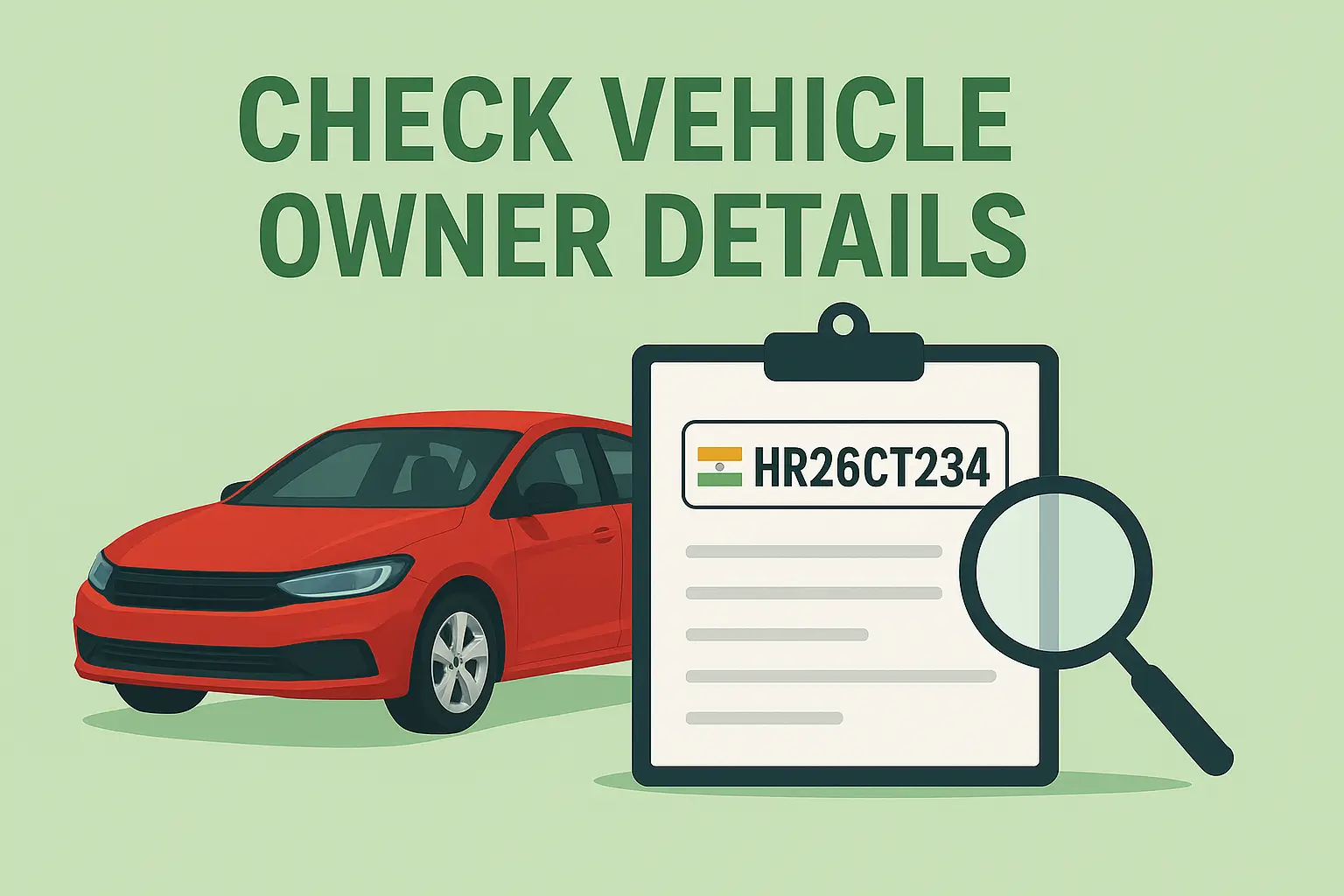
Learn safe and legal methods to check vehicle details online using number plate.
A vehicle’s number plate is not just an identity tag fixed to the front and back of a car or bike. In India, it is directly connected to official government records that store key information about those vehicles as their registration status, insurance validity, fitness history, and compliance with road safety norms.
There are many real-life situations where checking the vehicle owner or vehicle details becomes important. You may be verifying a used car before making a payment, confirming the identity of a vehicle involved in an accident, or checking whether a vehicle on your apartment premises is legally registered. For such purposes, the Government of India has provided secure, legal, and easy-to-use platforms that allow the public to access limited vehicle information without violating anyone’s privacy.
This guide explains the safe and correct ways to check vehicle details online using only the number plate.
Is It Legal to Check Vehicle Owner Details Online?
Yes, it is completely legal to check vehicle details through official government platforms such as VAHAN and mParivahan. These systems are managed by the Ministry of Road Transport and Highways (MoRTH) and connected directly to RTO databases across the country.
However, it is essential to note that private personal information, such as residential address, phone number, or Aadhaar details, is never shared. The system only displays basic, non-sensitive vehicle-related data to protect the owner's privacy in accordance with the Motor Vehicles Act and the Digital Personal Data Protection Act, 2023.
Also read→
How to Transfer Vehicle Registration to Another State in India
Best Ways to Check Vehicle Details by Number Plate
1. VAHAN (Parivahan) Portal
The VAHAN portal is the centralised national database of registered vehicles in India. Most state RTOs are connected to this platform.
How to check details on VAHAN:
Visit the official Parivahan website
Click on the option for “Know Your Vehicle Details”
Enter the full registration number (example: DL01AB1234)
Complete the security captcha
Submit the request
Once submitted, the portal typically displays:
Vehicle type (two-wheeler, car, transport vehicle, etc.)
Registration date and validity
Fuel type (Petrol, Diesel, CNG, Electric)
Insurance expiry status
PUC certificate status
Fitness certificate details (if applicable)
Partially masked engine and chassis number
This information is updated by RTOs themselves, which makes VAHAN one of the most reliable sources in India.
2. mParivahan Mobile App
For people who prefer mobile access, the mParivahan app is a practical solution. It is developed by the government and links directly to the same database as VAHAN.
Steps to use the mParivahan app:
Download the app from the Play Store or App Store
Enter the vehicle registration number in the search box
View the digitally stored vehicle details
You can typically see:
Registration validity
Insurance information
Fitness and permit data
PUC details
The app is especially useful for checking vehicle information on the go, during inspections, or while verifying a parked vehicle.
3. State RTO Official Websites
Some Indian states have their own vehicle information portals linked with their transport departments. These websites may offer search tools similar to VAHAN, though the level of detail varies from state to state.
To use them:
Visit your respective state RTO website
Look for “Vehicle Search” or “Registration Details”
Enter the vehicle number
Submit the query
While not every state provides a detailed public view, these portals remain legitimate and helpful for local data.
What Information Can You Actually See?
Using official platforms, you can normally view:
Vehicle registration number and date
Vehicle category and class
Fuel type
RC (Registration Certificate) validity
Insurance expiry date
Fitness status (for commercial vehicles)
PUC validity
Vehicle make and model
Partial engine and chassis number (for security reasons)
In some cases, the owner’s name may appear, but contact details and full address are hidden to prevent misuse.
Why You Should Avoid Private or Unauthorised Websites
Many websites and apps claim to provide “full owner details”, including address and phone number. These platforms are not authorised and often misuse scraped or leaked data.
Using such platforms can:
Put you at legal risk
Exposes you to false or outdated information
Enable fraud or identity misuse
Violate privacy laws
Always use government-approved sources only.
If You Need More Detailed Information
If the available online data is not enough, the only legal methods to obtain detailed owner information are:
Via RTO
You can submit a written request to the concerned RTO with a valid reason, such as a court case, an accident inquiry, or legal verification.
Via Police
If the matter involves an accident, theft, or offence, the police department can officially retrieve complete vehicle-owner data.
Via Insurance Company
In case of accidents or claims, the insurance company may verify and share limited policyholder details through formal procedures.
These authorities follow strict legal protocols when releasing such information.
Also read→
How to Get Vehicle NOC from RTO: Complete Step Guide
Final Note
Finding vehicle details using a number plate is simple in India—but it should always be done responsibly and legally. Platforms like VAHAN and mParivahan have made the process transparent while still safeguarding private data.
Whether you are buying a second-hand vehicle, checking compliance, or verifying information after an incident, always rely on official government systems. They provide accurate details, protect privacy, and keep you on the right side of the law.
For more trusted guides on vehicle verification, parking systems, FASTag, RTO processes, and smart compliance, stay connected with Parksmart.